Page 01 · Cover

Read the text for page 1
ProSwag / Fusion Brands
Bold, Brave, Relentless
Create. Build. Share.
A practical software proposal
Branded mockups. Reusable catalogs. A public customer link.
One package · Three software pieces
$4,000 combined
$3,500 work + $500 AI-plan allocation
Pictures are not created automatically. Staff prepare and check the options.
Illustrative concept
JoshuaCohen.net
Copyright JoshuaCohen.net
Page 02 · Priorities and shared foundation
Read the text for page 2
ProSwag / Fusion Brands
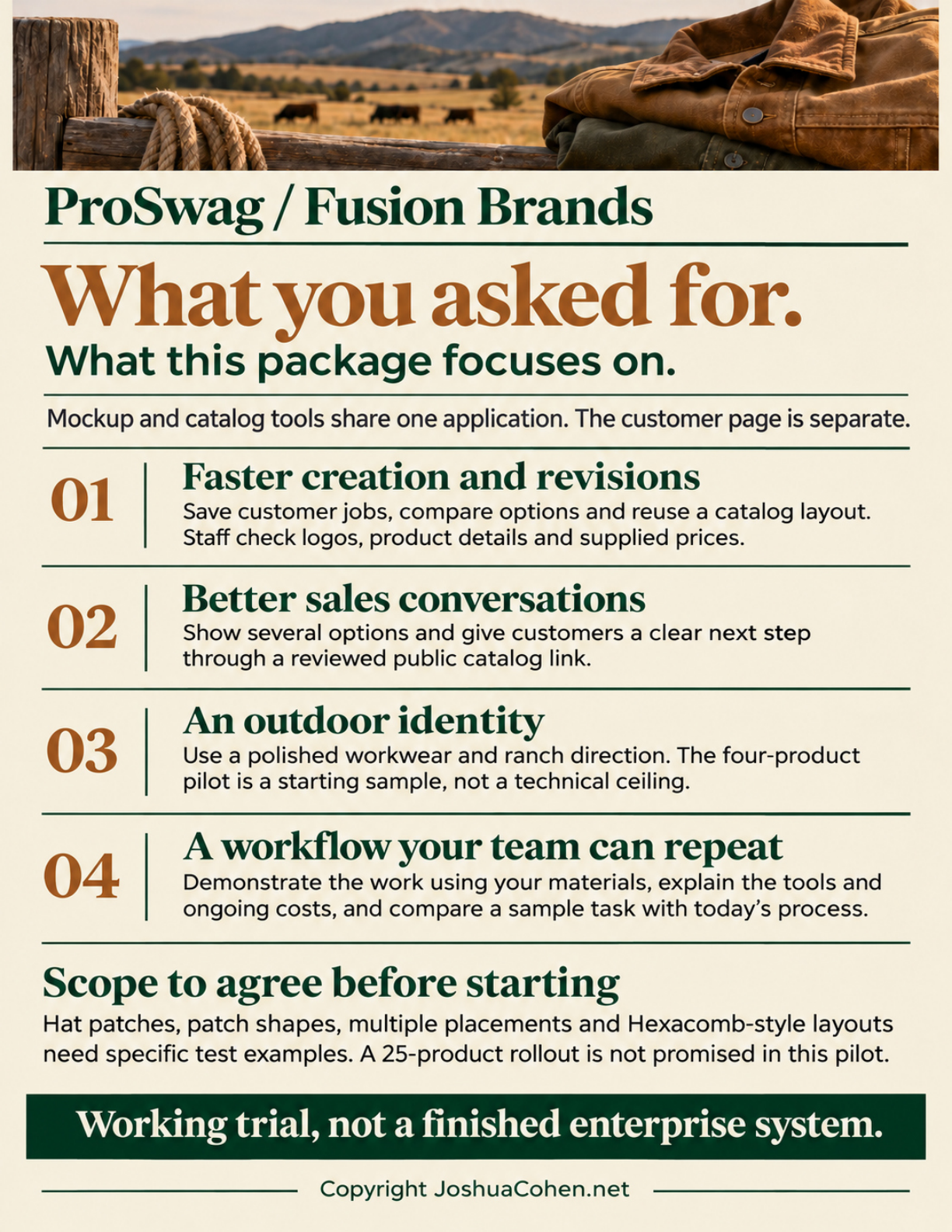
What you asked for.
What this package focuses on.
Mockup and catalog tools share one application. The customer page is separate.
01 Faster creation and revisions
Save customer jobs, compare options and reuse a catalog layout. Staff check logos, product details and supplied prices.
02 Better sales conversations
Show several options and give customers a clear next step through a reviewed public catalog link.
03 An outdoor identity
Use a polished workwear and ranch direction. The four-product pilot is a starting sample, not a technical ceiling.
04 A workflow your team can repeat
Demonstrate the work using your materials, explain the tools and ongoing costs, and compare a sample task with today's process.
Scope to agree before starting
Hat patches, patch shapes, multiple placements and Hexacomb-style layouts need specific test examples. A 25-product rollout is not promised in this pilot.
Working trial, not a finished enterprise system.
Copyright JoshuaCohen.net
Page 03 · Mockup software
Read the text for page 3
ProSwag / Fusion Brands
Software App 1 of 3
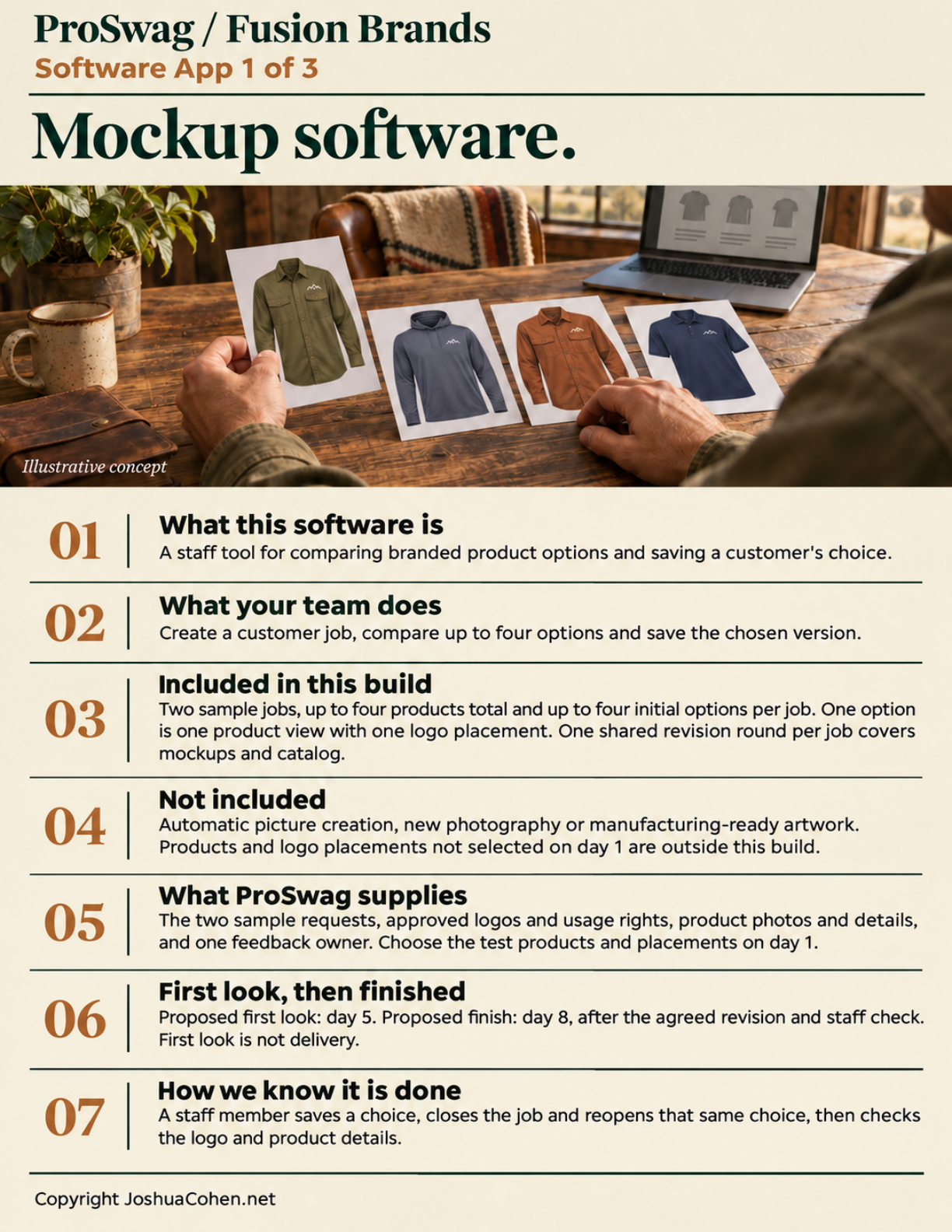
Mockup software.
Illustrative concept
01 What this software is
A staff tool for comparing branded product options and saving a customer's choice.
02 What your team does
Create a customer job, compare up to four options and save the chosen version.
03 Included in this build
Two sample jobs, up to four products total and up to four initial options per job. One option is one product view with one logo placement. One shared revision round per job covers mockups and catalog.
04 Not included
Automatic picture creation, new photography or manufacturing-ready artwork. Products and logo placements not selected on day 1 are outside this build.
05 What ProSwag supplies
The two sample requests, approved logos and usage rights, product photos and details, and one feedback owner. Choose the test products and placements on day 1.
06 First look, then finished
Proposed first look: day 5. Proposed finish: day 8, after the agreed revision and staff check. First look is not delivery.
07 How we know it is done
A staff member saves a choice, closes the job and reopens that same choice, then checks the logo and product details.
Copyright JoshuaCohen.net
Page 04 · Catalog software
Read the text for page 4
ProSwag / Fusion Brands
Software App 2 of 3
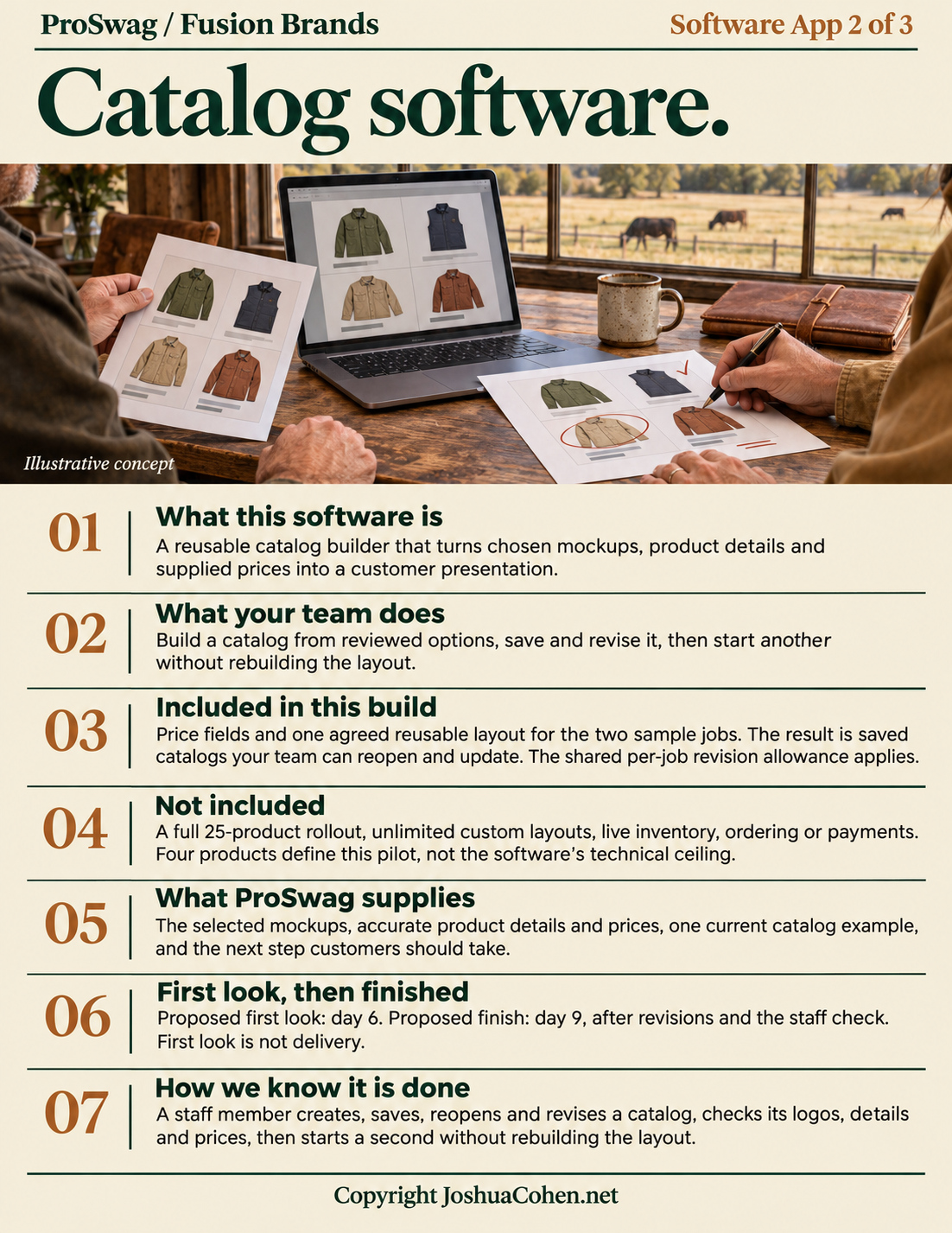
Catalog software.
Illustrative concept
01 What this software is
A reusable catalog builder that turns chosen mockups, product details and supplied prices into a customer presentation.
02 What your team does
Build a catalog from reviewed options, save and revise it, then start another without rebuilding the layout.
03 Included in this build
Price fields and one agreed reusable layout for the two sample jobs. The result is saved catalogs your team can reopen and update. The shared per-job revision allowance applies.
04 Not included
A full 25-product rollout, unlimited custom layouts, live inventory, ordering or payments. Four products define this pilot, not the software's technical ceiling.
05 What ProSwag supplies
The selected mockups, accurate product details and prices, one current catalog example, and the next step customers should take.
06 First look, then finished
Proposed first look: day 6. Proposed finish: day 9, after revisions and the staff check. First look is not delivery.
07 How we know it is done
A staff member creates, saves, reopens and revises a catalog, checks its logos, details and prices, then starts a second without rebuilding the layout.
Copyright JoshuaCohen.net
Page 05 · Customer-page software
Read the text for page 5
Software App 3 of 3
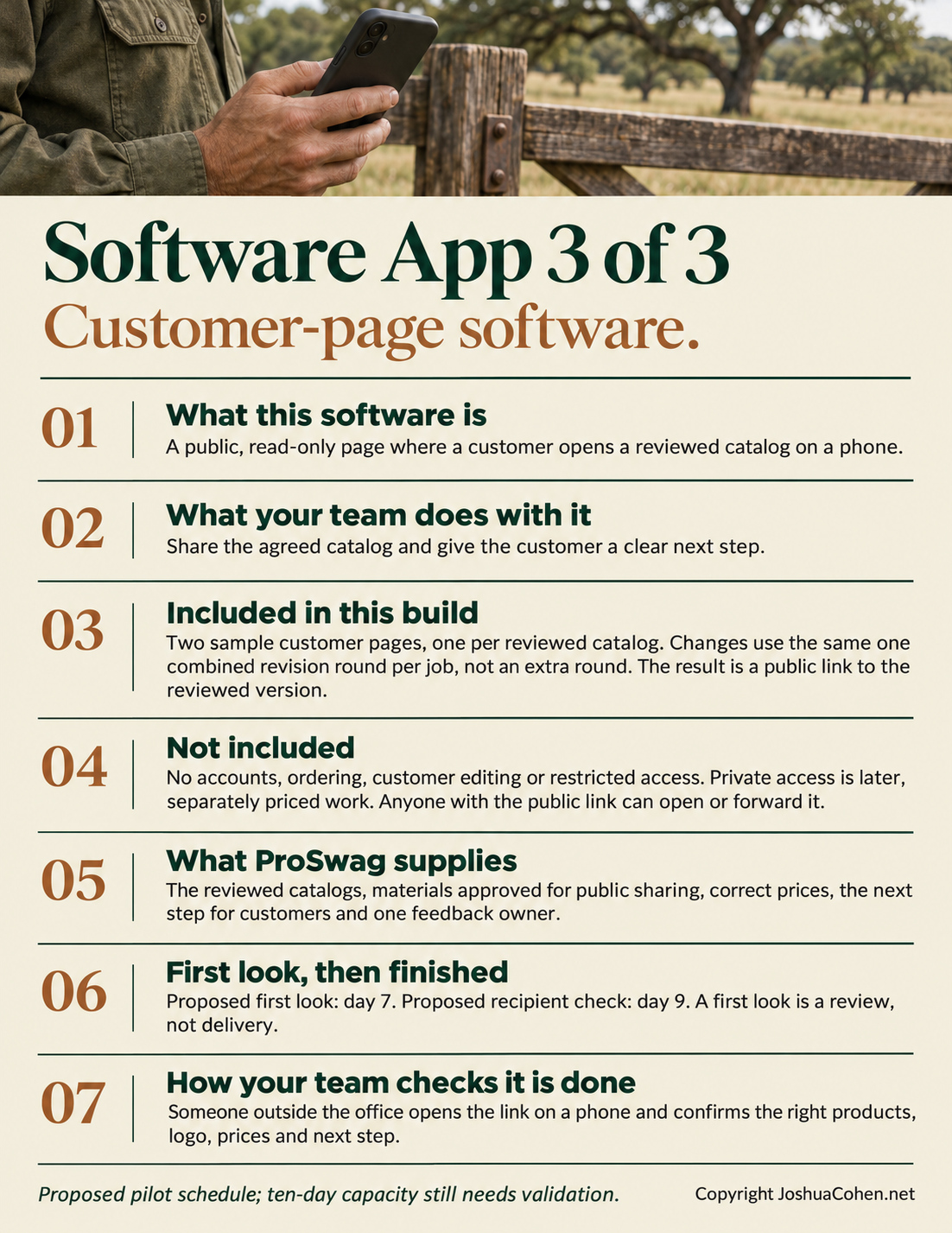
Customer-page software.
01 What this software is
A public, read-only page where a customer opens a reviewed catalog on a phone.
02 What your team does with it
Share the agreed catalog and give the customer a clear next step.
03 Included in this build
Two sample customer pages, one per reviewed catalog. Changes use the same one combined revision round per job, not an extra round. The result is a public link to the reviewed version.
04 Not included
No accounts, ordering, customer editing or restricted access. Private access is later, separately priced work. Anyone with the public link can open or forward it.
05 What ProSwag supplies
The reviewed catalogs, materials approved for public sharing, correct prices, the next step for customers and one feedback owner.
06 First look, then finished
Proposed first look: day 7. Proposed recipient check: day 9. A first look is a review, not delivery.
07 How your team checks it is done
Someone outside the office opens the link on a phone and confirms the right products, logo, prices and next step.
Proposed pilot schedule; ten-day capacity still needs validation.
Copyright JoshuaCohen.net
Page 06 · Working demonstration and handover
Read the text for page 6
ProSwag / Fusion Brands
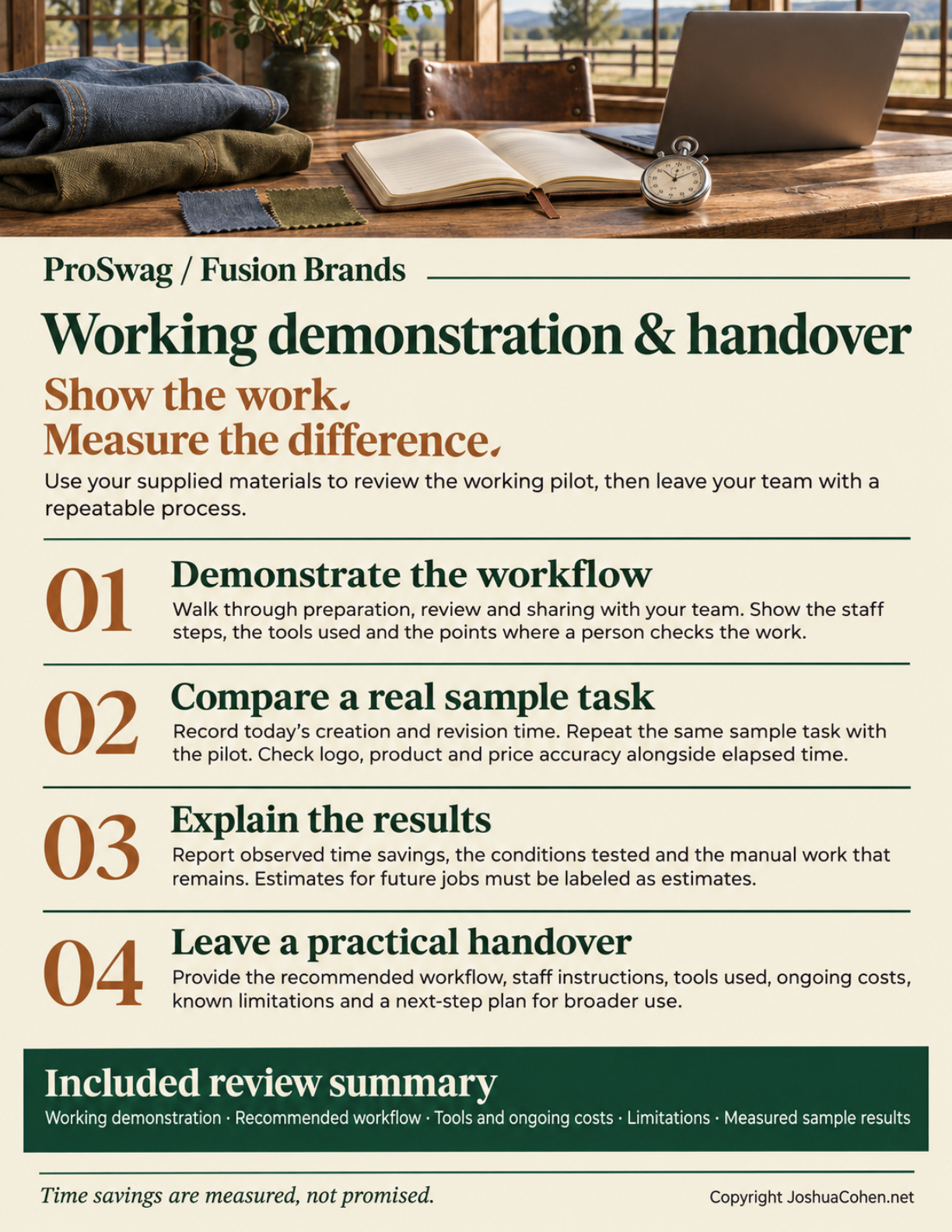
Working demonstration & handover
Show the work.
Measure the difference.
Use your supplied materials to review the working pilot, then leave your team with a repeatable process.
01 Demonstrate the workflow
Walk through preparation, review and sharing with your team. Show the staff steps, the tools used and the points where a person checks the work.
02 Compare a real sample task
Record today's creation and revision time. Repeat the same sample task with the pilot. Check logo, product and price accuracy alongside elapsed time.
03 Explain the results
Report observed time savings, the conditions tested and the manual work that remains. Estimates for future jobs must be labeled as estimates.
04 Leave a practical handover
Provide the recommended workflow, staff instructions, tools used, ongoing costs, known limitations and a next-step plan for broader use.
Included review summary
Working demonstration · Recommended workflow · Tools and ongoing costs · Limitations · Measured sample results
Time savings are measured, not promised.
Copyright JoshuaCohen.net
Page 07 · Pilot scope and growth
Read the text for page 7
ProSwag / Fusion Brands
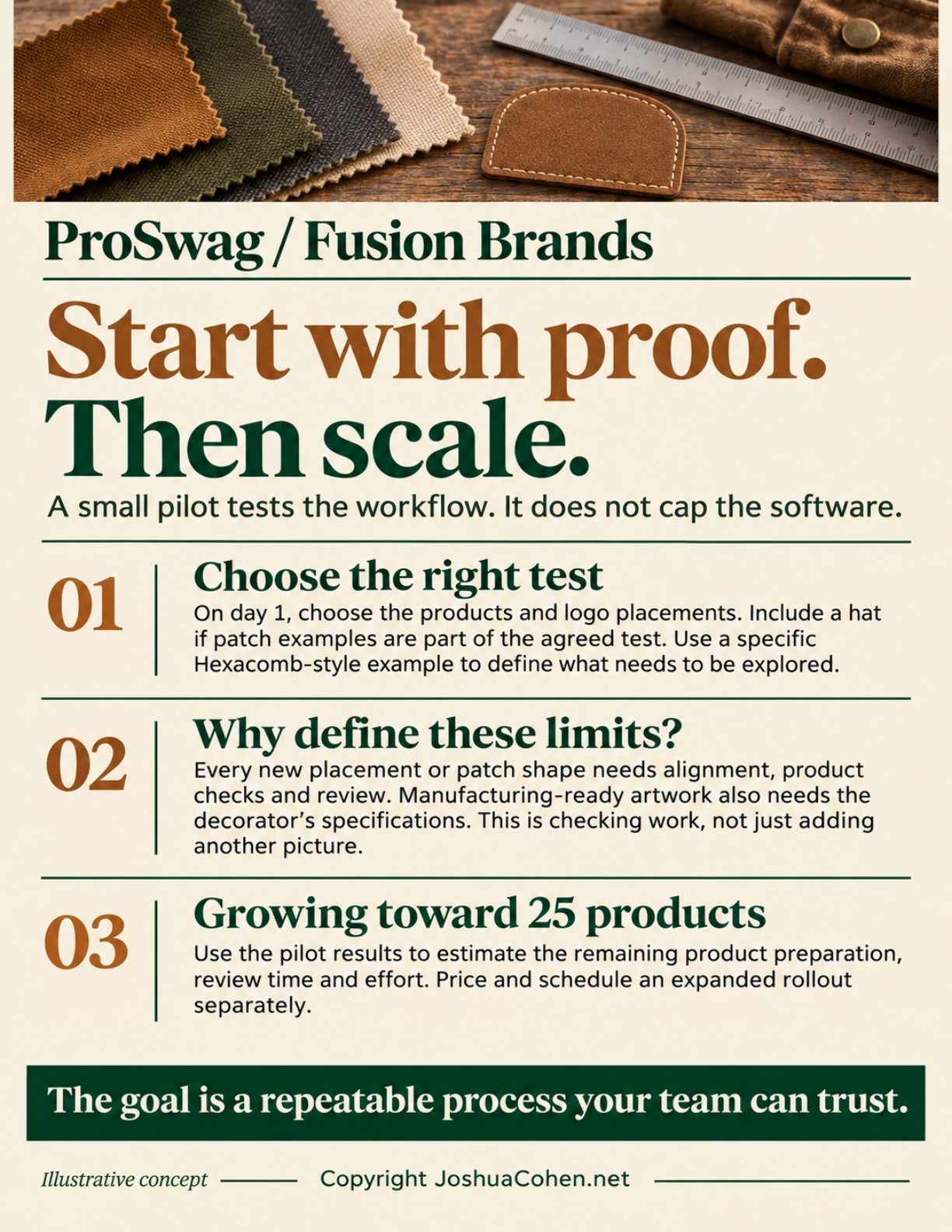
Start with proof.
Then scale.
A small pilot tests the workflow. It does not cap the software.
Choose the right test
On day 1, choose the products and logo placements. Include a hat if patch examples are part of the agreed test. Use a specific Hexacomb-style example to define what needs to be explored.
Why define these limits?
Every new placement or patch shape needs alignment, product checks and review. Manufacturing-ready artwork also needs the decorator's specifications. This is checking work, not just adding another picture.
Growing toward 25 products
Use the pilot results to estimate the remaining product preparation, review time and effort. Price and schedule an expanded rollout separately.
The goal is a repeatable process your team can trust.
Illustrative concept
Copyright JoshuaCohen.net
Page 08 · Milestones
Read the text for page 8
ProSwag / Fusion Brands
First look.
Then finished.
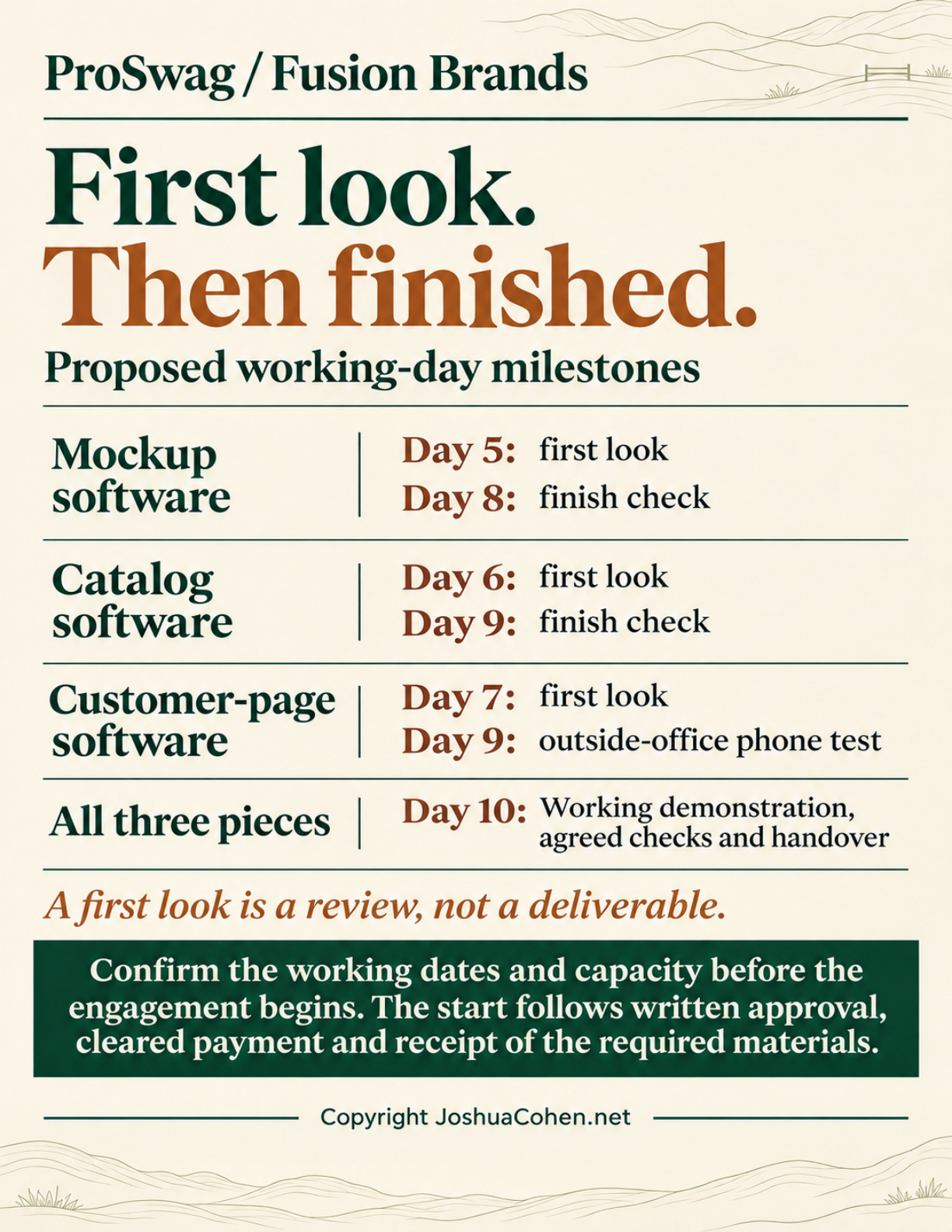
Proposed working-day milestones
Mockup software
Day 5: first look
Day 8: finish check
Catalog software
Day 6: first look
Day 9: finish check
Customer-page software
Day 7: first look
Day 9: outside-office phone test
All three pieces
Day 10
Working demonstration, agreed checks and handover
A first look is a review, not a deliverable.
Confirm the working dates and capacity before the engagement begins. The start follows written approval, cleared payment and receipt of the required materials.
Copyright JoshuaCohen.net
Page 09 · Price and payment
Read the text for page 9
ProSwag / Fusion Brands
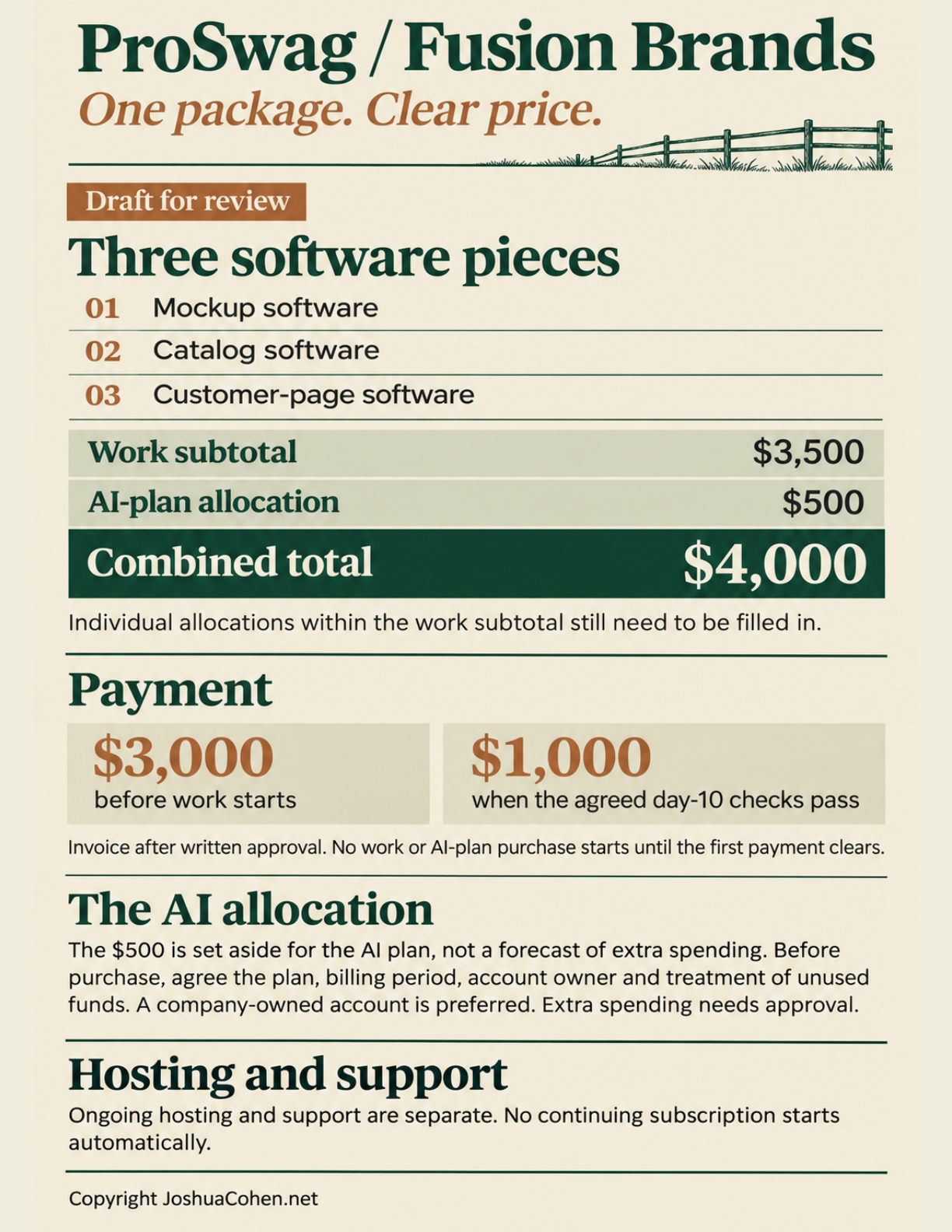
One package. Clear price.
Draft for review
Three software pieces
01 Mockup software
02 Catalog software
03 Customer-page software
Work subtotal
$3,500
AI-plan allocation
$500
Combined total
$4,000
Individual allocations within the work subtotal still need to be filled in.
Payment
$3,000 before work starts
$1,000 when the agreed day-10 checks pass
Invoice after written approval. No work or AI-plan purchase starts until the first payment clears.
The AI allocation
The $500 is set aside for the AI plan, not a forecast of extra spending. Before purchase, agree the plan, billing period, account owner and treatment of unused funds. A company-owned account is preferred. Extra spending needs approval.
Hosting and support
Ongoing hosting and support are separate. No continuing subscription starts automatically.
Copyright JoshuaCohen.net
Page 10 · Terms and acceptance
Read the text for page 10
ProSwag / Fusion Brands
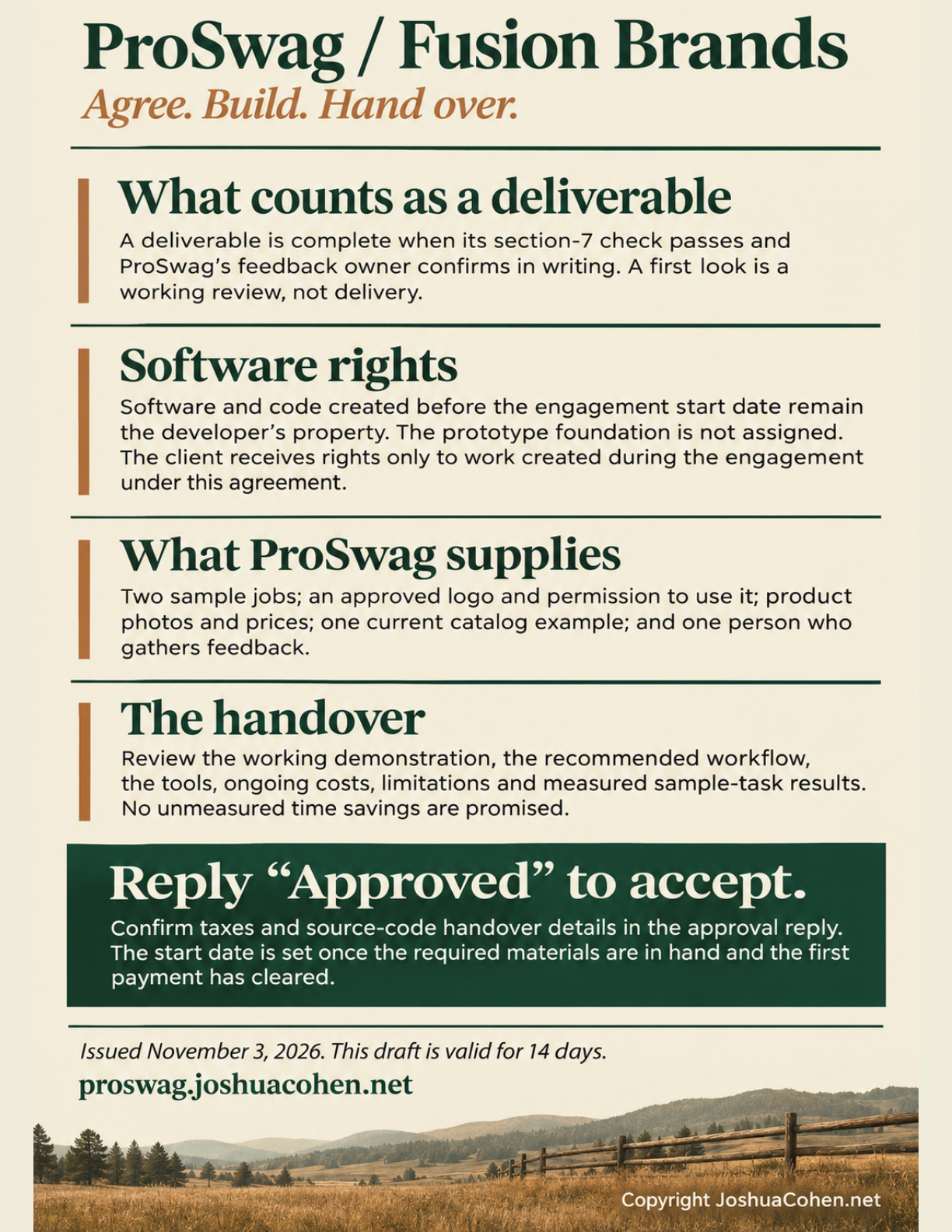
Agree. Build. Hand over.
What counts as a deliverable
A deliverable is complete when its section-7 check passes and ProSwag's feedback owner confirms in writing. A first look is a working review, not delivery.
Software rights
Software and code created before the engagement start date remain the developer's property. The prototype foundation is not assigned. The client receives rights only to work created during the engagement under this agreement.
What ProSwag supplies
Two sample jobs; an approved logo and permission to use it; product photos and prices; one current catalog example; and one person who gathers feedback.
The handover
Review the working demonstration, the recommended workflow, the tools, ongoing costs, limitations and measured sample-task results. No unmeasured time savings are promised.
Reply “Approved” to accept.
Confirm taxes and source-code handover details in the approval reply. The start date is set once the required materials are in hand and the first payment has cleared.
Issued November 3, 2026. This draft is valid for 14 days.
proswag.joshuacohen.net
Copyright JoshuaCohen.net
Page 11 · Imagined ranch conversation
Read the text for page 11
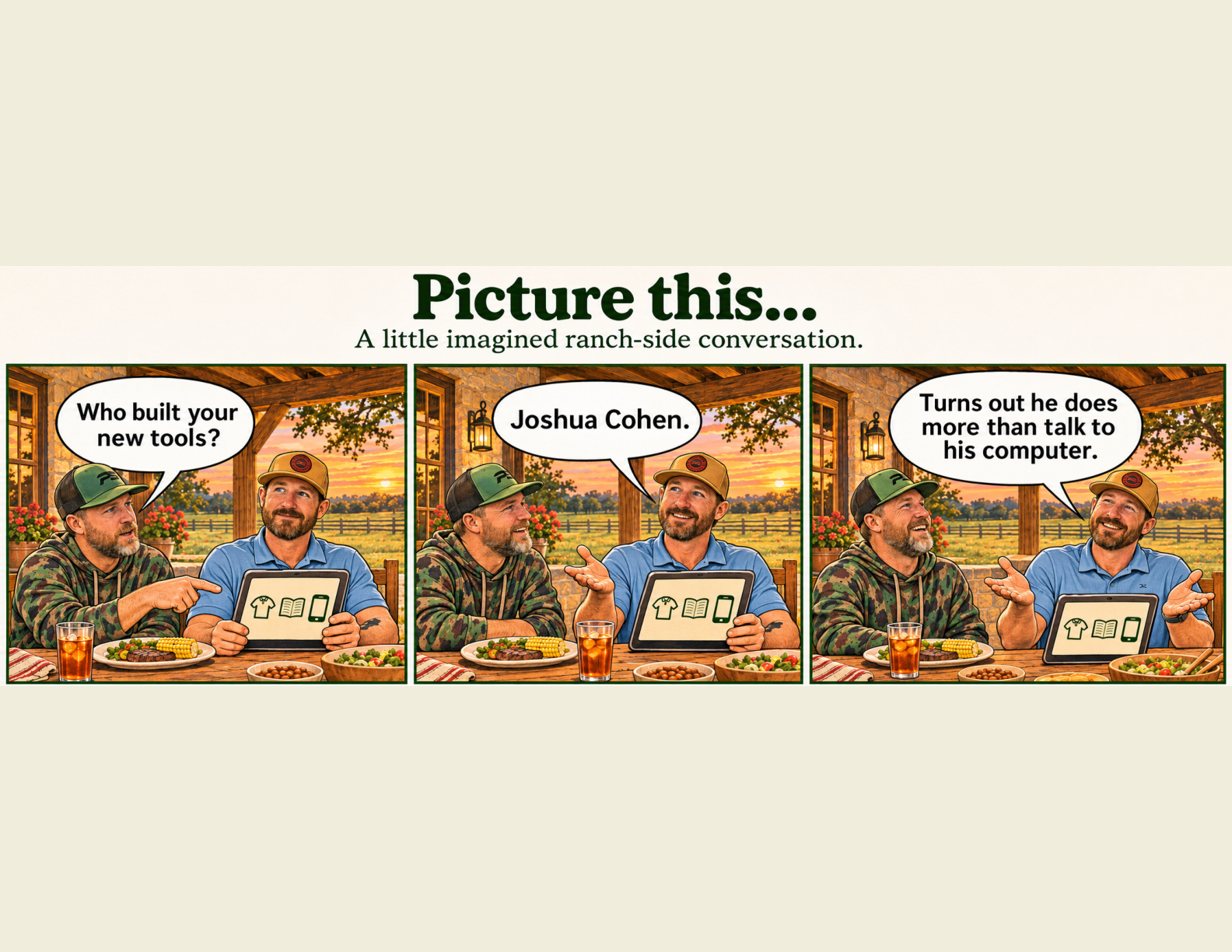
Picture this…
A little imagined ranch-side conversation.
Panel 1. Jake: “Who built your new tools?”
Panel 2. Clint: “Joshua Cohen.”
Panel 3. Clint: “Turns out he does more than talk to his computer.”
Page 12 · Fictional campfire conversation
Read the text for page 12
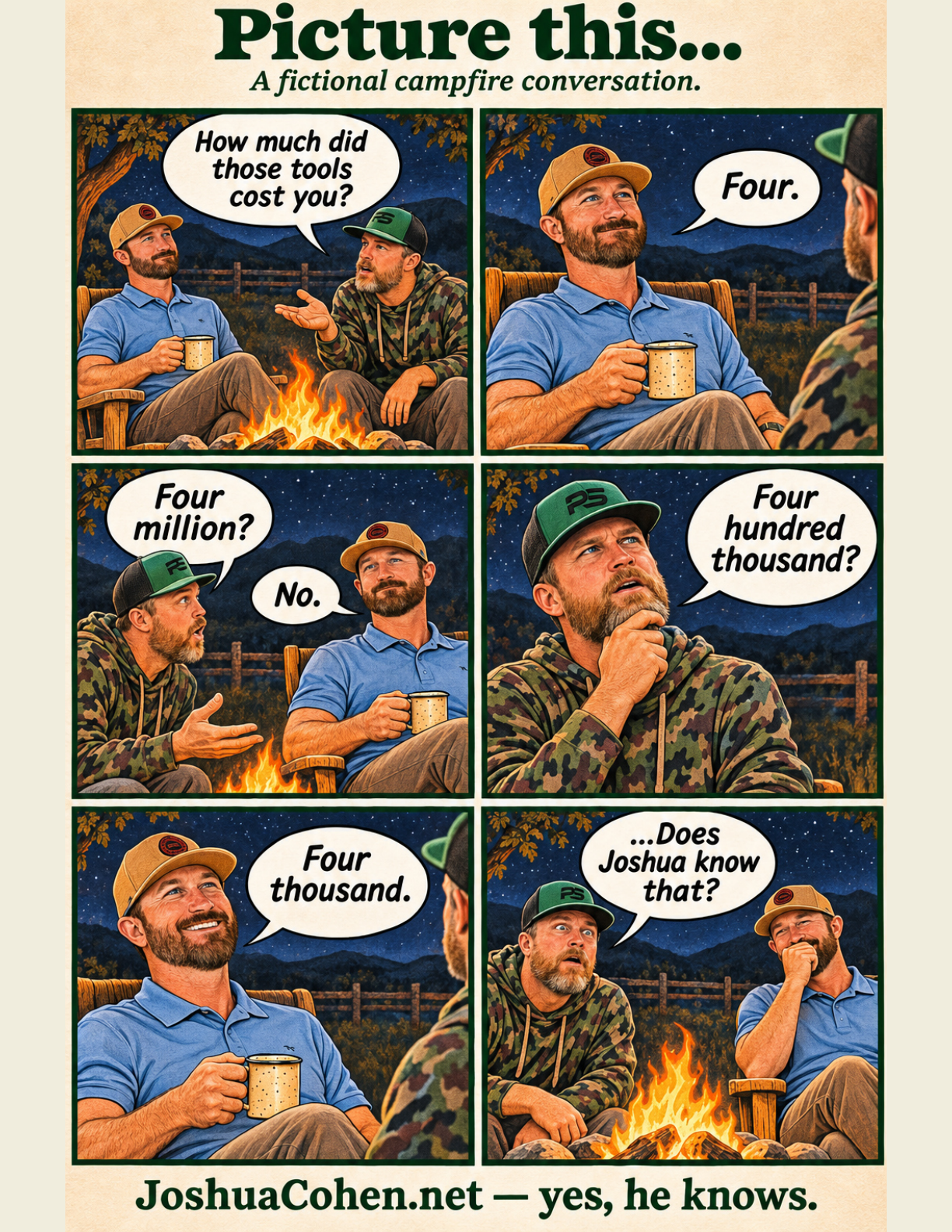
Picture this…
A fictional campfire conversation.
Panel 1. Jake: “How much did those tools cost you?”
Panel 2. Clint: “Four.”
Panel 3. Jake: “Four million?” Clint: “No.”
Panel 4. Jake: “Four hundred thousand?”
Panel 5. Clint: “Four thousand.”
Panel 6. Jake: “…Does Joshua know that?”
JoshuaCohen.net — yes, he knows.